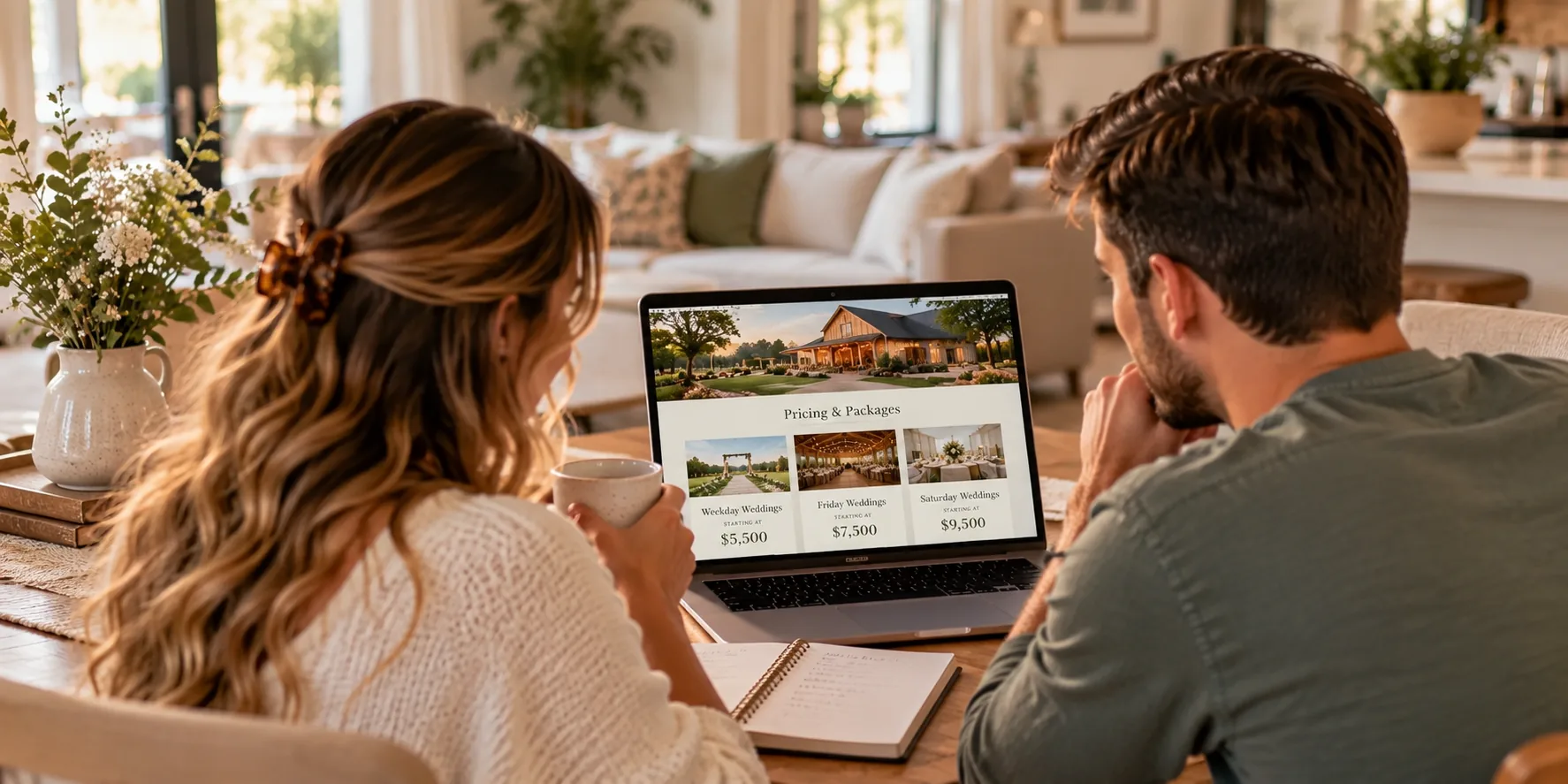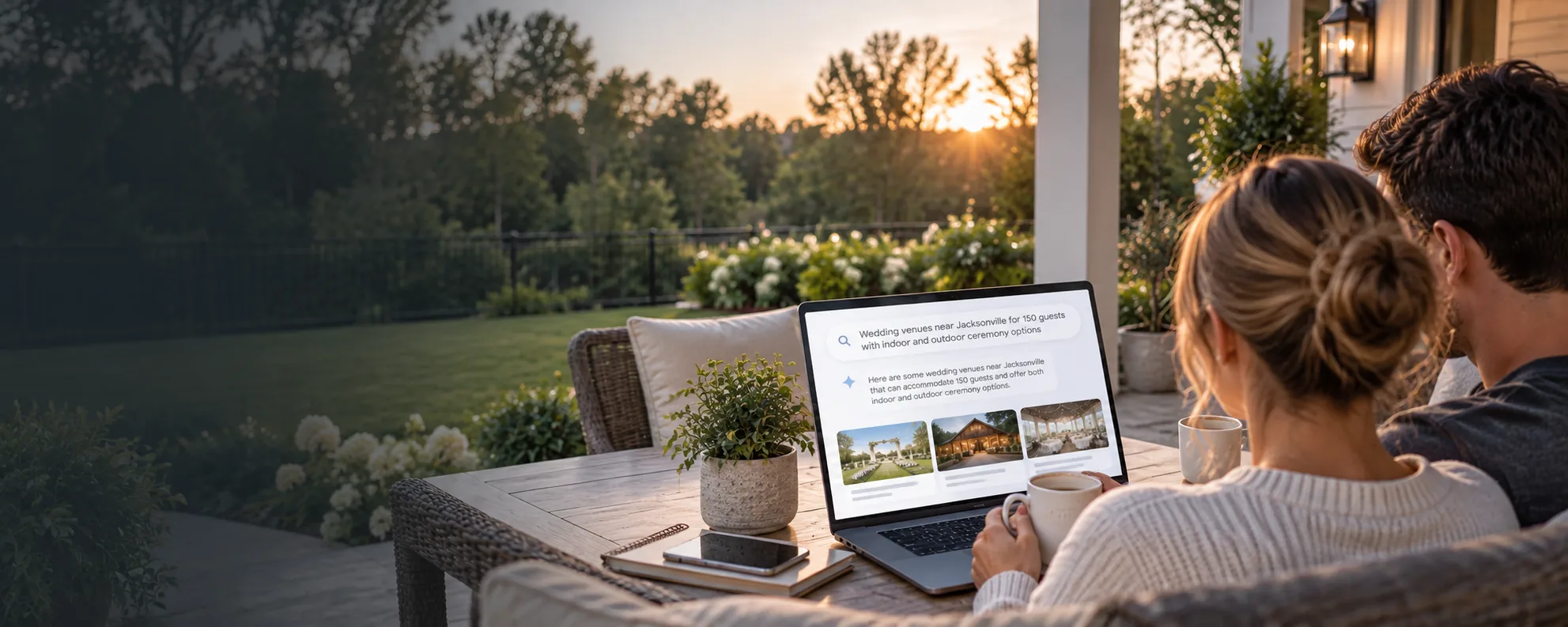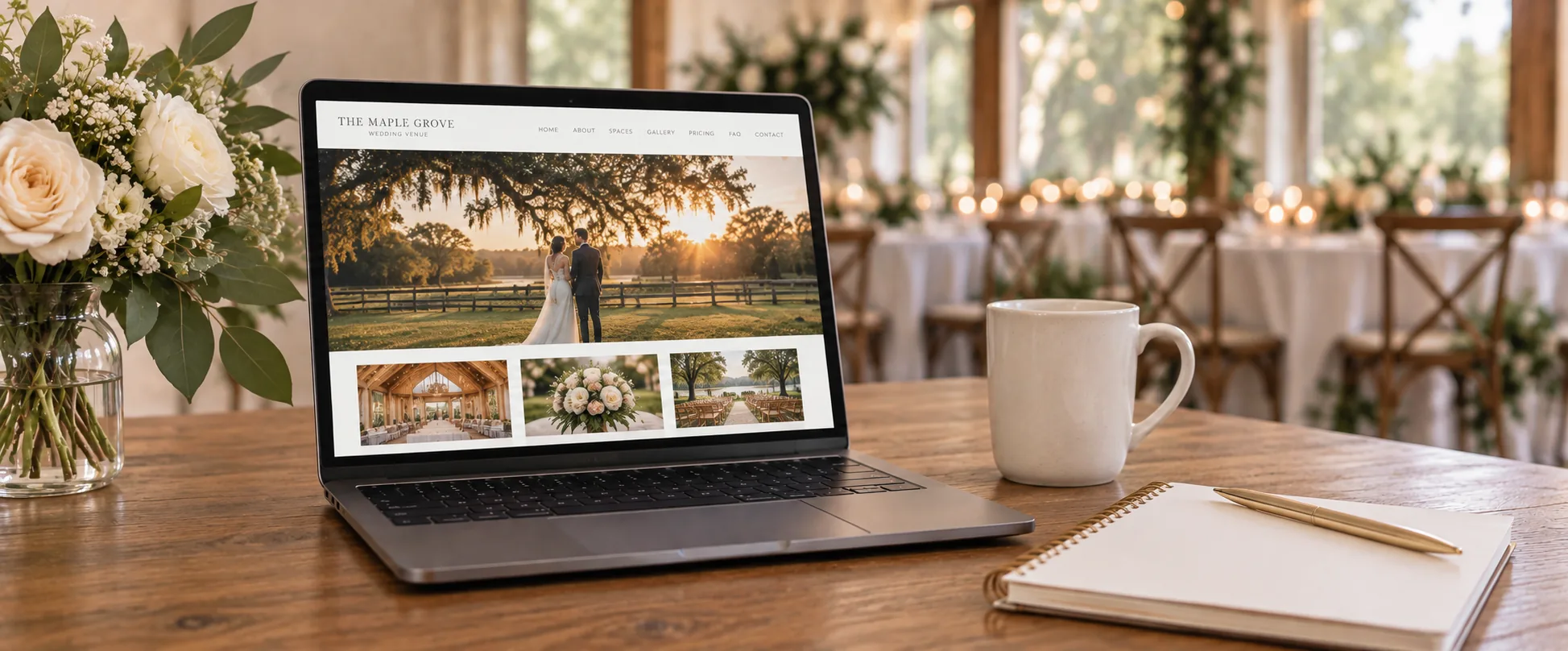
Couples do not want to spend days researching a wedding venue only to learn that their preferred date is already booked.
They may love your photos, pricing, amenities, and ceremony spaces, but availability often determines whether they can move forward. When your website gives no indication of available dates, couples may hesitate to contact you or assume that you are already booked.
A dedicated availability page can remove that uncertainty.
It gives couples a clear place to check their preferred date, explore flexible options, and take the next step. It can also help your team receive more qualified inquiries, promote slower dates, and create urgency without relying on pressure or misleading claims.
At Dual Spark Marketing, we see an availability page as more than a calendar. It should connect your open dates with your pricing, packages, event options, and tour process.
When you build it correctly, the page can help turn website visitors into serious leads.
What Is a Wedding Venue Availability Page?
A wedding venue availability page helps couples determine whether your property may be open for their preferred wedding date.
The page can show:
- Exact available dates
- Available months
- Remaining weekend openings
- Weekday availability
- Sunday availability
- Off-season openings
- Recently reopened dates
- Last-minute cancellations
- A form for checking a specific date
You do not need to publish your entire booking calendar.
The page should give couples enough information to understand whether realistic options remain and make it easy for them to contact your team.
Some venues choose to display exact dates. Others only show general availability by month or season. The right approach depends on how often your calendar changes, how your team manages inquiries, and how much information you want to make public.
Couples Want to Know About Availability Early
Availability is often one of the first questions couples ask.
They may search for a venue before choosing an exact date, but many couples already have a preferred month, season, or weekend in mind.
They may want:
- A Saturday in October
- A spring wedding
- A holiday weekend
- A date that works with school schedules
- A date that gives family enough time to travel
- A specific anniversary
- A weekday that fits their budget
- A date that matches another vendor’s availability
When your website does not address availability, couples must decide whether contacting you is worth the effort.
Some will submit an inquiry. Others will move to a venue that gives them clearer information.
An availability page does not need to provide an instant guarantee. It simply helps couples understand whether your venue may fit their timeline.
A Dedicated Page Can Generate More Qualified Inquiries
A general contact form often attracts a wide range of questions.
Some couples ask about dates that have been booked for months. Others ask about guest counts or event types your venue cannot accommodate. Your team may spend time responding to inquiries that have little chance of becoming a booking.
An availability page helps visitors qualify themselves before they contact you.
A couple may learn that:
- Their preferred month still has openings
- Saturday dates are limited
- Friday and Sunday options remain available
- Weekday weddings offer more flexibility
- A recently reopened date fits their timeline
- Their preferred event type is accepted
- The venue can accommodate their guest count
This information can lead to more focused inquiries.
Instead of asking, “Do you have anything available next fall?” a couple may ask, “We saw that you still have two Fridays open in October. Can we schedule a tour and request pricing?”
That inquiry shows stronger intent and gives your team a better starting point.
You Do Not Have to Show Every Open Date
Some venue owners worry that publishing availability will make the property look unpopular.
That concern is understandable, but an availability page does not need to display a large calendar full of empty dates.
You can choose a format that fits your business.
Show Exact Dates
You may list specific dates that remain open.
For example:
- Friday, October 9
- Sunday, October 18
- Saturday, November 7
This approach gives couples direct information and can work well when you update the page frequently.
Show Availability by Month
You may show general availability instead of individual dates.
For example:
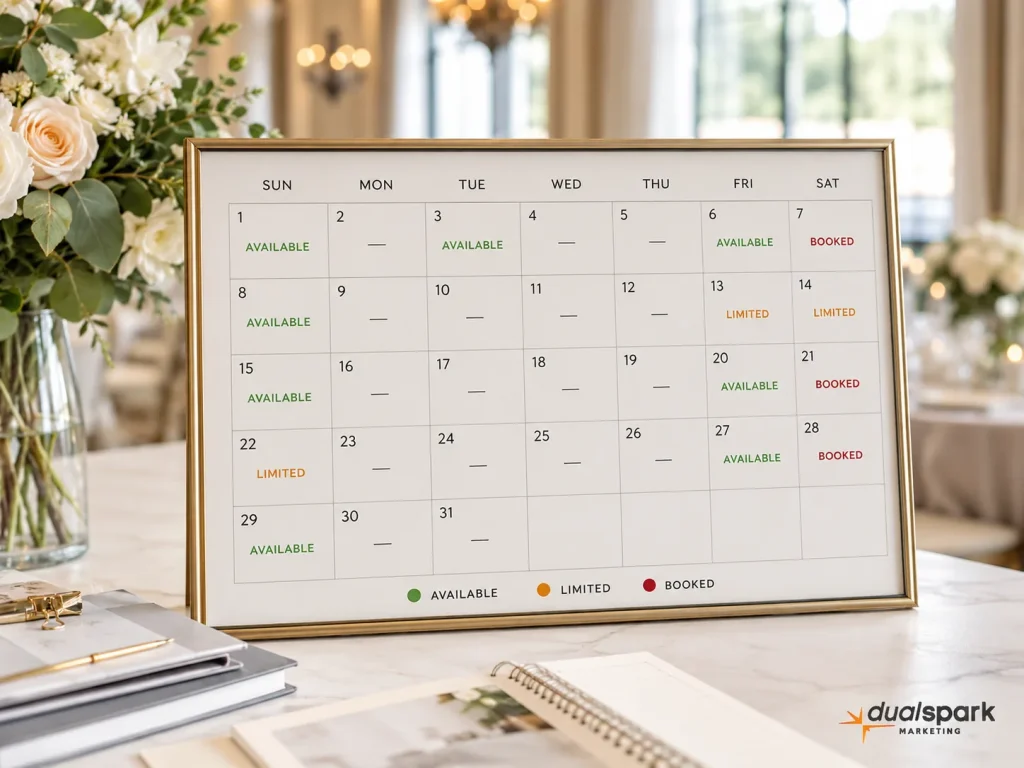
- September: Limited availability
- October: Fridays and Sundays available
- November: Select Saturdays available
- December: Weekday and weekend availability
This approach gives couples useful guidance without publishing every booking detail.
Show Seasonal Availability
You can group dates by season.
For example:
- Spring: Limited weekend availability
- Summer: Weekday and Sunday dates available
- Fall: Select dates remain
- Winter: Strong availability
This format works well when couples search by season rather than an exact date.
Use a Date-Check Form
You can ask couples to submit their preferred date and receive a response from your team.
This approach keeps your calendar private while still giving the website a dedicated availability function.
You can also combine these methods. For example, you may show general monthly availability and include a form for checking exact dates.
Availability Can Create Honest Urgency
Couples often delay contacting a venue because they assume they have more time.
An availability page can show them that popular dates are limited.
This creates urgency based on real information.
You may use statements such as:
- Only two fall Saturdays remain
- Select spring dates are still available
- Friday and Sunday openings remain
- Recently reopened date now available
- Limited holiday weekend availability
- Weekday weddings have the most flexibility
Avoid fake countdowns, false claims, or messages that remain unchanged for months.
Couples can usually recognize manufactured pressure. If your website repeatedly says “only one date left” without updating, you may damage trust.
Use availability to communicate reality, not create fear.
Promote Weekdays and Slower Dates
An availability page gives you a natural place to promote dates that may otherwise remain open.
You can highlight:
- Monday through Thursday weddings
- Friday weddings
- Sunday weddings
- Winter dates
- Summer dates
- Morning weddings
- Shorter rental periods
- Micro weddings
- Elopements
- Rehearsal dinners
- Corporate events
- Private parties
Do not present these dates as unwanted leftovers.
Explain the benefits.
A weekday wedding may offer:
- More vendor availability
- Greater scheduling flexibility
- Lower package pricing
- Easier hotel booking
- More time for photos
- A quieter guest experience
A Sunday wedding may appeal to couples who want a weekend celebration without paying for a Saturday package.
Your availability page can help visitors see these options as valuable alternatives.
Use the Page to Promote Recently Opened Dates
Cancellations and rescheduled events can create unexpected openings.
Without a dedicated page, couples may never know that a popular date became available.
You can add a section such as:
Recently Opened Dates
A date may reopen because of:
- A cancellation
- A rescheduled event
- A venue schedule change
- A package adjustment
- A released courtesy hold
Promote these dates through:
- Your availability page
- Email campaigns
- Social media
- Google Ads
- Retargeting ads
- Follow-up messages to flexible leads
A reopened date may appeal to a couple who is planning quickly or who previously believed your venue was unavailable.
Connect Availability to Pricing
Availability and pricing often influence one another.
Saturday dates during popular seasons may have different rates than weekday or off-season dates. Your availability page should help couples understand that relationship.
You may explain:
- Which dates use peak pricing
- Whether weekday packages cost less
- Whether Sunday rentals use different pricing
- Whether winter dates include incentives
- Whether shorter rentals are available
- Whether micro wedding packages apply to certain dates
You do not need to place every package detail on the availability page.
Give couples a useful overview and link them to your pricing page for full information.
For example:
“Friday and Sunday weddings may offer more flexible package options than peak Saturday dates. Visit our pricing page to review current packages and included amenities.”
This helps couples understand both availability and value.
Connect Availability to Event Types
Your venue may use the same calendar for several types of events.
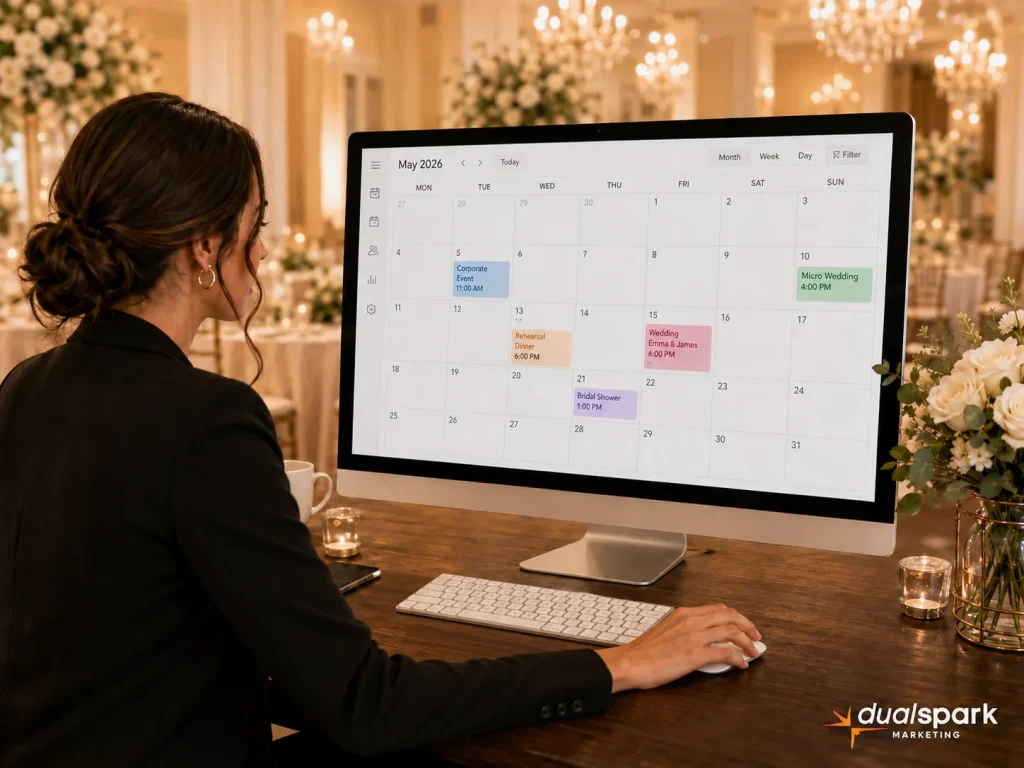
A Saturday may be reserved for weddings, while weekdays may be open for corporate events, showers, rehearsal dinners, or private parties.
Your availability page can direct visitors toward the correct event page.
For example:
- Weddings: Weekend and select weekday dates
- Micro weddings: Weekday and Sunday availability
- Corporate events: Monday through Thursday
- Showers: Weekend mornings and afternoons
- Rehearsal dinners: Thursday and Friday evenings
- Private parties: Select weekday and Sunday openings
This structure helps visitors understand when each type of event may fit your schedule.
It also supports the dedicated event pages on your website.
Add a Clear Date-Check Form
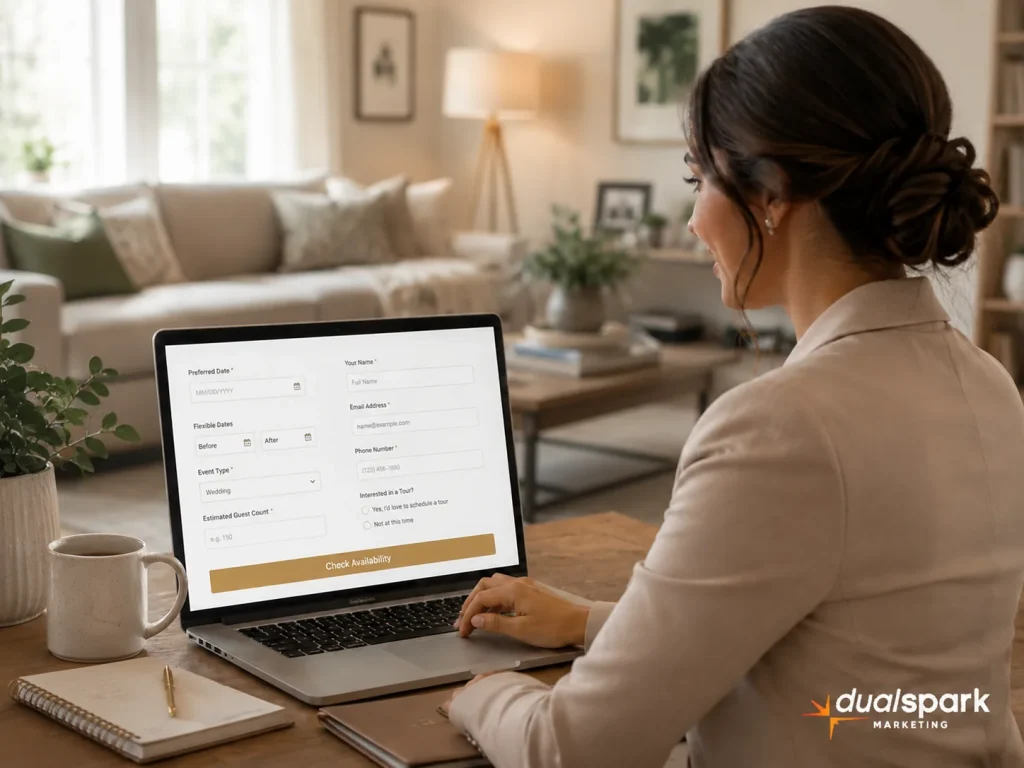
The form should make it easy for couples to ask about a specific date.
Keep it focused.
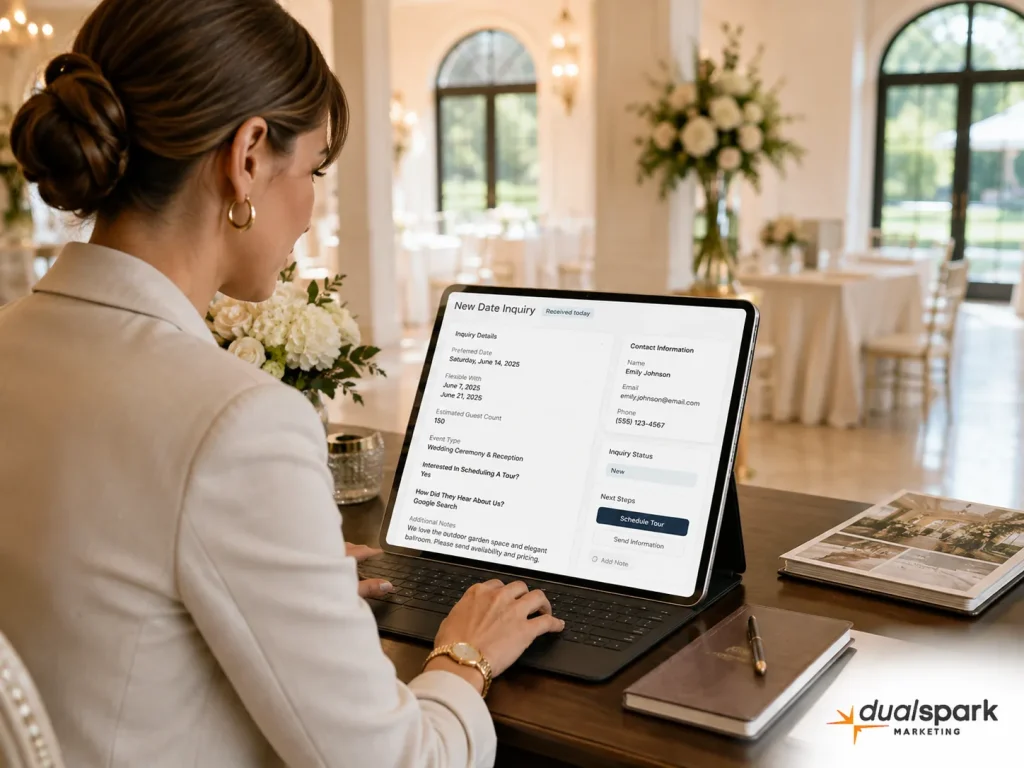
Useful fields may include:
- Name
- Email address
- Phone number
- Preferred event date
- Flexible date range
- Event type
- Estimated guest count
- Preferred season
- Tour interest
- Message
Do not ask for every detail before the first conversation.
A couple checking availability may not know their final guest count, timeline, or vendor list. Asking too many questions can lower form completion.
You can collect more information after confirming that a suitable date exists.
Ask About Flexible Dates
Many couples have some flexibility, even when they begin with a preferred date.
Add a field that asks:
- Are you flexible by a few days?
- Would you consider a Friday or Sunday?
- Would you consider another weekend in the same month?
- Would you consider a weekday?
- Are you open to another season?
This information can help your sales team offer alternatives.
For example, if the preferred Saturday is booked, you may suggest:
- The Friday before
- The Sunday after
- Another weekend in the same month
- A weekday package
- A reopened date
- A different season
Without a flexibility question, your team may respond with a simple “unavailable” and lose the lead.
Make the Next Step Clear
A couple who finds an available date should know what to do next.
Your page may direct them to:
- Request pricing
- Schedule a tour
- Ask about a date
- Start a conversation
- Request a proposal
- Join a waitlist
- Hold a date temporarily
Use a clear call to action.
Examples include:
- Check Your Wedding Date
- Ask About Availability
- Request Pricing for an Open Date
- Schedule a Venue Tour
- Explore Flexible Date Options
Avoid vague buttons such as “Submit” when you can explain exactly what happens next.
Explain That Availability Is Not Guaranteed Until Booking
An available date may receive several inquiries.
Your page should explain that availability can change until the couple signs a contract and pays the required deposit.
You can say:
“Availability changes frequently and remains subject to confirmation. A date is not reserved until we receive a signed agreement and the required payment.”
This protects your team from misunderstandings.
It also creates honest urgency without making exaggerated claims.
Keep the Availability Page Updated
An outdated calendar can create more problems than having no availability page.
If a couple sees an open date, submits an inquiry, and learns that the date was booked weeks ago, they may feel frustrated.
Assign responsibility for updating the page.
Your team may update it:
- Immediately after a booking
- Once a week
- Several times a month
- Through an automated calendar connection
The correct frequency depends on how often your calendar changes.
At minimum, the page should clearly state when the availability information was last updated.
For example:
“Availability last updated August 5, 2026.”
This helps couples understand that the page reflects recent information.
Decide Whether to Use a Live Calendar
A live calendar can reduce manual updates, but it requires careful planning.
Before connecting your booking system to the website, consider:
- Which events should remain private
- Whether tentative holds should appear
- Whether couples can book directly
- Whether staff approval is required
- How quickly the calendar updates
- Whether personal client information remains hidden
- What happens when two couples ask about the same date
A live calendar should show availability without revealing names, event details, or private information.
Some venues may benefit from a simple manual page instead of a complex connection.
Choose the option your team can maintain accurately.
Use the Availability Page in Follow-Up Emails
Your availability page should support more than website visitors.
Your team can also use it in sales follow-up.
You may include the link when:
- Responding to a new inquiry
- Following up with a flexible couple
- Promoting reopened dates
- Advertising weekday packages
- Sending seasonal updates
- Contacting leads who have not booked
- Announcing limited remaining dates
For example:
“We recently updated our availability page with several open fall dates. You can review the current options and let us know which ones may work for you.”
This gives the couple a reason to return to your website.
Use the Page in Google Ads Campaigns
An availability page can support search and retargeting ads.
You may run ads for:
- Last-minute wedding venue availability
- Fall wedding dates
- Winter wedding packages
- Friday wedding venues
- Sunday wedding venues
- Weekday wedding packages
- Micro wedding availability
- Recently opened wedding dates
The landing page should match the ad.
Someone clicking an ad about fall availability should immediately see fall dates, package information, and a date-check form.
Do not send every ad to a general homepage when a focused page can answer the visitor’s question faster.
Link the Availability Page Throughout Your Website
Do not hide the page deep inside your navigation.
Link to it from:
- Homepage
- Wedding page
- Pricing page
- Amenities page
- Floor plans
- FAQ page
- Event pages
- Schedule a tour page
- Contact page
- Blog posts
You may also place a “Check Availability” button in your main menu or near important calls to action.
The page should be easy to find when a couple feels ready to move forward.
Avoid Making Availability the Only Focus
Availability matters, but couples still need to understand the venue.
Do not turn the page into a bare calendar with no context.
Include a short overview of:
- Guest capacity
- Ceremony and reception options
- Rental inclusions
- Pricing links
- Tour options
- Event types
- Contact information
A couple may arrive on the page from Google without visiting your homepage first.
Give them enough information to understand what they are checking.
Common Wedding Venue Availability Page Mistakes
Showing Outdated Dates
Old information creates frustration and damages trust.
Listing Every Empty Date
A calendar full of openings can make the page difficult to scan and may create the wrong impression. Focus on useful information.
Hiding the Form
Make it easy for couples to ask about a specific date.
Asking Too Many Questions
Keep the first form short. Collect additional planning details later.
Ignoring Flexible Couples
Ask whether the couple would consider alternate dates.
Using Fake Scarcity
Only use limited-availability language when it reflects your actual calendar.
Forgetting Weekday Opportunities
Promote Fridays, Sundays, weekdays, and off-season options clearly.
Failing to Explain the Booking Process
Tell couples when a date becomes officially reserved.
Keeping the Page Separate From Pricing
Help visitors understand how the date may affect package options.
Forgetting Other Event Types
Use the page to promote corporate events, showers, dinners, and private parties when appropriate.
Frequently Asked Questions About Wedding Venue Availability Pages
Should a wedding venue publish available dates on its website?
In most cases, yes. Publishing some level of availability can help couples decide whether it makes sense to request pricing or schedule a tour. Many couples already have a preferred month, season, or date range before they begin contacting venues. When your website gives them no availability information, they may assume you are booked or move to another venue that makes the process easier.
You do not need to publish your full booking calendar. You can show exact open dates, general availability by month, remaining weekend options, or a simple form that lets couples check a preferred date. We recommend choosing a format your team can keep accurate. A smaller amount of current information will help more than a detailed calendar that quickly becomes outdated.
Will showing open dates make our wedding venue look unpopular?
Not when you present the information strategically. You do not need to display every empty date or show a large calendar with weeks of open space. Instead, focus on the dates and opportunities you actively want to promote.
You might show that fall Saturdays have limited availability while Friday and Sunday options remain open. You could also highlight select winter dates, weekday packages, or a recently reopened weekend. This approach communicates opportunity without suggesting that the venue struggles to book events.
The wording and presentation matter. Focus on flexibility, options, and the benefits of each available date rather than simply listing empty days.
Can an availability page help our venue generate more qualified inquiries?
Yes. A dedicated availability page allows couples to check whether their preferred timeline may work before they contact your team. This can reduce inquiries for dates that have already been booked and encourage flexible couples to consider alternatives.
The page can also collect useful information, including the preferred date, acceptable alternatives, estimated guest count, and event type. This gives your team a better starting point when responding. Instead of exchanging several messages to learn basic details, you can begin the conversation with realistic date options and move more quickly toward pricing or a tour.
Should we show exact dates or only general availability by month?
The best choice depends on how frequently your calendar changes and how much time your team can spend updating the page.
Exact dates give couples the clearest answer, but your team must update them quickly whenever someone books, releases, or temporarily holds a date. Monthly availability requires less maintenance and may work better for venues with frequent calendar changes.
A combined approach often works well. You can label months as available, limited, or nearly booked and then include a form for checking a specific date. This gives couples useful direction while allowing your team to confirm the exact status before making any promises.
How often should we update a wedding venue availability page?
Update the page whenever a date becomes booked, reopens, or changes status. For a busy venue, that may mean several updates each week. At a minimum, someone should review the page weekly.
We also recommend displaying a visible “last updated” date. This reassures couples that they are looking at current information and protects your team when availability changes quickly.
Assign one person or role to manage the page. When responsibility remains unclear, availability pages often become outdated. Your sales team, venue manager, or marketing partner should know who updates the information and when.
Can an availability page help us fill Friday, Sunday, and weekday weddings?
Yes. An availability page gives you a natural place to promote dates that couples may not initially consider. Instead of presenting these dates as second choices, explain their benefits.
Friday, Sunday, and weekday weddings may offer more package flexibility, better vendor availability, easier hotel reservations, or more scheduling options. They can also work well for micro weddings, destination couples, and clients with flexible work schedules.
The page should clearly connect those dates with relevant packages and pricing. When couples understand the value, they may become more open to an alternative that helps you fill an otherwise unused date.
What should a wedding date-check form ask?
Keep the form focused on the information your team needs to confirm availability and begin a useful conversation. We recommend asking for:
- Name
- Email address
- Phone number
- Preferred date
- Flexible dates or date range
- Event type
- Estimated guest count
- Interest in scheduling a tour
Avoid turning the first form into a full planning questionnaire. Couples may not know every detail yet, and a long form can reduce submissions. You can collect additional information after confirming that your venue has a realistic date option.
The flexibility field is especially important. It gives your team a chance to suggest a Friday, Sunday, weekday, or nearby weekend instead of simply telling the couple that their first choice is unavailable.
Should the availability page include pricing and package information?
Give every page a distinct purpose, audience, and search intent. Avoid creating several pages that target nearly identical terms such as private events, special events, parties, and celebrations without meaningful differences.
Use unique titles, headings, content, photos, FAQs, and calls to action. Each page should answer different questions and clearly explain which visitor it serves. This creates a cleaner website structure and reduces unnecessary overlap.
Final Thoughts: Turn More Open Dates Into Qualified Tour Requests
Your venue cannot book an open date if couples do not know it may be available. A dedicated availability page gives visitors a clear way to check their preferred date, explore flexible options, and understand how weekday, Sunday, or off-season packages may work.
The strongest availability pages stay current, explain that dates can change until a contract and deposit are complete, and make the next step easy. They also connect availability with pricing, event types, and tour scheduling so couples can move forward without searching through several pages.
At Dual Spark Marketing, we help wedding venues build websites and SEO strategies designed to generate qualified inquiries and scheduled tours. If your current website makes couples contact you just to learn whether a date may be open, we can help you create a clearer availability process that promotes open dates, reduces unnecessary back and forth, and turns more website visitors into real booking opportunities.